
Weke CRM Demo
Walk staged CRM scenarios without confusing demo data for live records
Weke CRM Demo presents guided lead and account flows with clearly marked demo data so teams can review the product without touching live customer records.
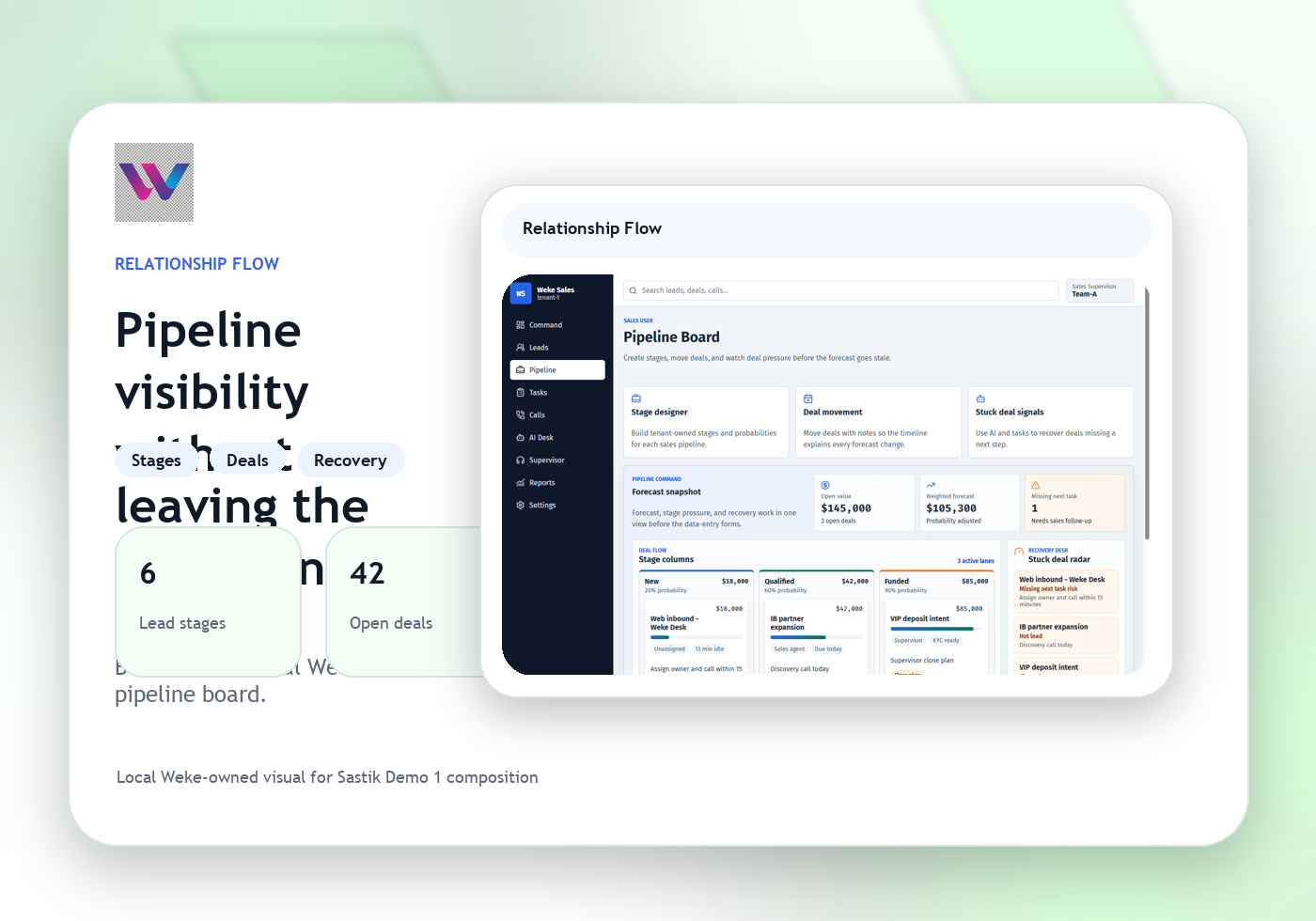
Follow sample relationship paths step by step
Show where the live workflow would continue
Weke CRM Demo
Weke CRM Demo Features
Review the workflows, controls, and day-to-day operating detail behind Weke CRM Demo for demo records, staged account flows, guided pipeline review, and scenario walkthroughs.
Review guided CRM scenarios with demo data clearly labeled
Every staged lead, account, and pipeline state is marked as demo data so teams can explore the flow without confusing it with live customer work.
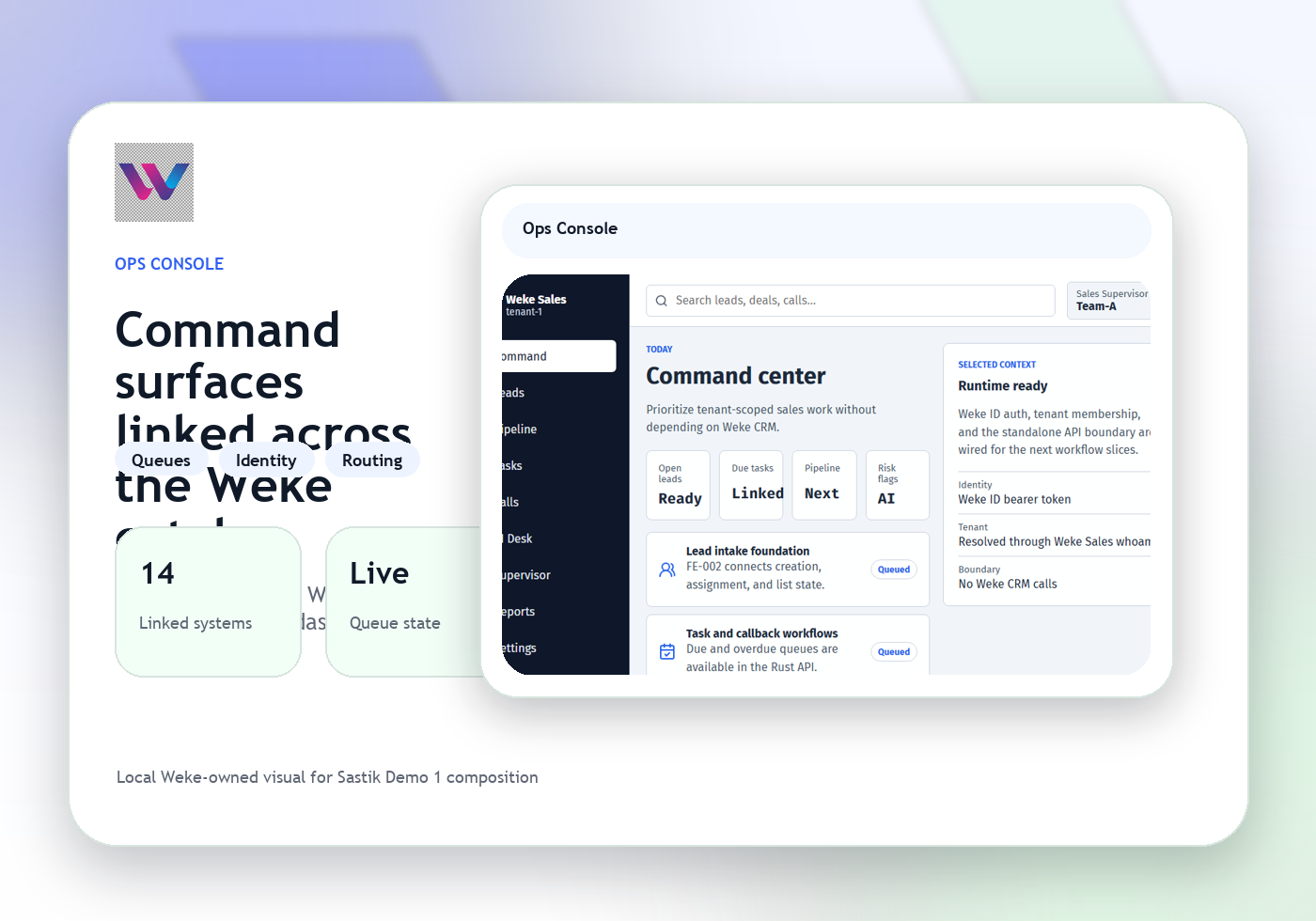
Follow sample relationship paths step by step
Demo CRM keeps the walkthrough focused on staged opportunities, account notes, and next-action prompts instead of real operator traffic.
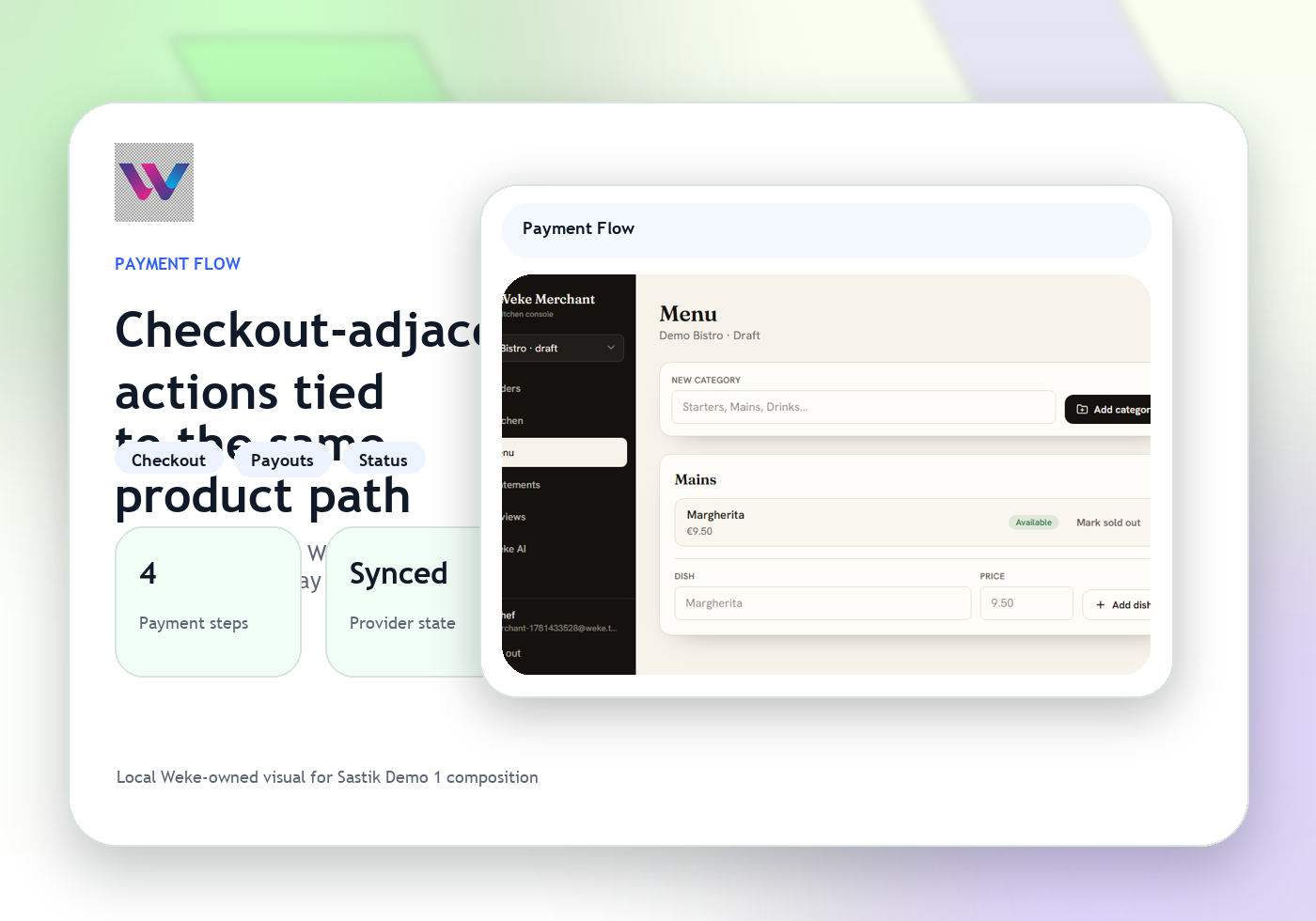
Show where the live workflow would continue
The demo can still point reviewers to the real next system such as pay or onboarding while keeping the current records safely staged.
Weke CRM Demo
Weke CRM Demo Workflow
Follow the three operating steps that keep staged leads, demo accounts, guided pipeline scenarios, and clearly marked demo data moving.
Open the staged account and scenario
Start with the demo lead, sample account context, and the training objective for the walkthrough.
Inspect staged pipeline movement and notes
Reviewers follow each sample change, note, and branch without touching real customer operations.
Map the demo to the real next workflow
The scenario ends by showing which live Weke product would handle the next action after the demo path.
Walk staged CRM scenarios without confusing demo data for live records
Weke ID handles login and registration for Weke CRM Demo and returns only to https://demo-crm.wekedev.com/app.